Blog · October 21, 2026
How to clip on PS5 and Xbox: your EA FC 27 goals
Clip your EA FC 27 goals on PS5 or Xbox Series: the buttons, the lengths, getting clips to your phone. And for a whole night, start from the VOD.
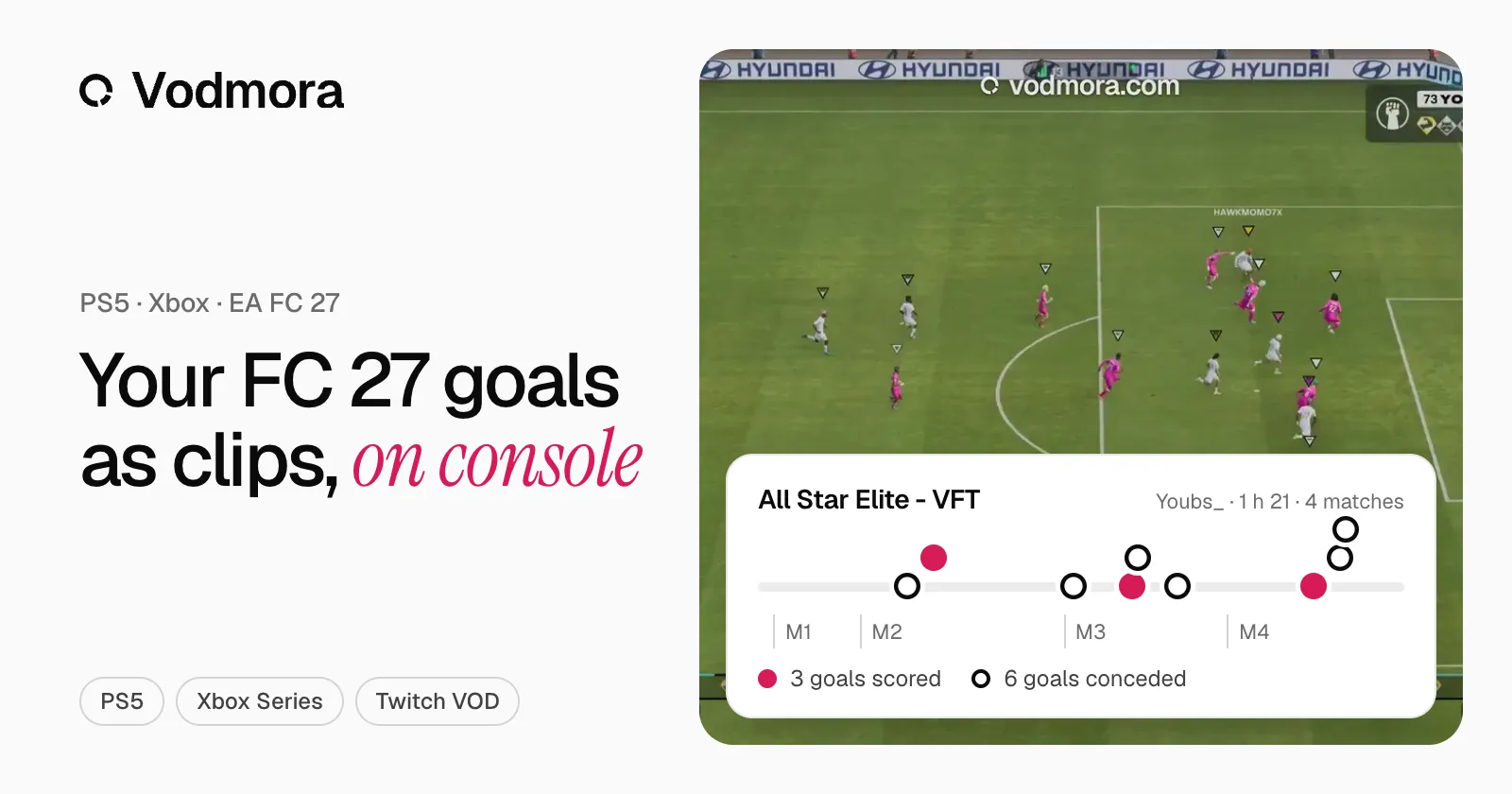
A great goal in FC 27, and you want to keep it. On console, there are two ways: the PS5 or Xbox capture, one goal at a time, or your stream’s VOD, from which Vodmora pulls every goal of the night. Here are both, step by step.
How to clip on PS5
The PS5 keeps recording the last minutes of play. Right after the goal:
- Press the create button on the DualSense controller.
- Choose Save Recent Gameplay: from 15 seconds up to the last hour of play.
- To film what comes next, choose Start New Recording, up to one hour, then Stop Recording.
Your clips are in the Media Gallery. To get them on your phone, turn on auto-upload in the capture settings: videos under 3 minutes, up to 1080p, arrive in the PlayStation App and stay there for 14 days. Download them to keep them. Longer videos go through Copy to USB Drive, in the Media Gallery’s More menu.
How to clip on Xbox Series X|S
The Xbox also keeps the last moments of play. Right after the goal:
- Press the Xbox button to open the guide, then X: the console keeps the last 30 seconds.
- For a longer stretch, up to the last 2 minutes, press the View button and pick the length.
- To film what comes next: Capture & share, then Start recording. Up to 10 minutes on internal storage, one hour on an external drive.
With the newer Xbox controller, pressing and holding the Share button records a clip. Captures upload to the Xbox network automatically, and the Xbox app on your phone tells you when they are ready.
The limits of console capture
Console capture keeps one moment at a time, as long as you remember during the match. Over a fifteen-match night, you have to stop after every goal, and nothing groups the clips by match or notes the score. On Xbox, the longest clip you can keep after the fact lasts 2 minutes; on PS5, auto-upload to the phone stops at 3-minute videos.
From the VOD: every goal at once
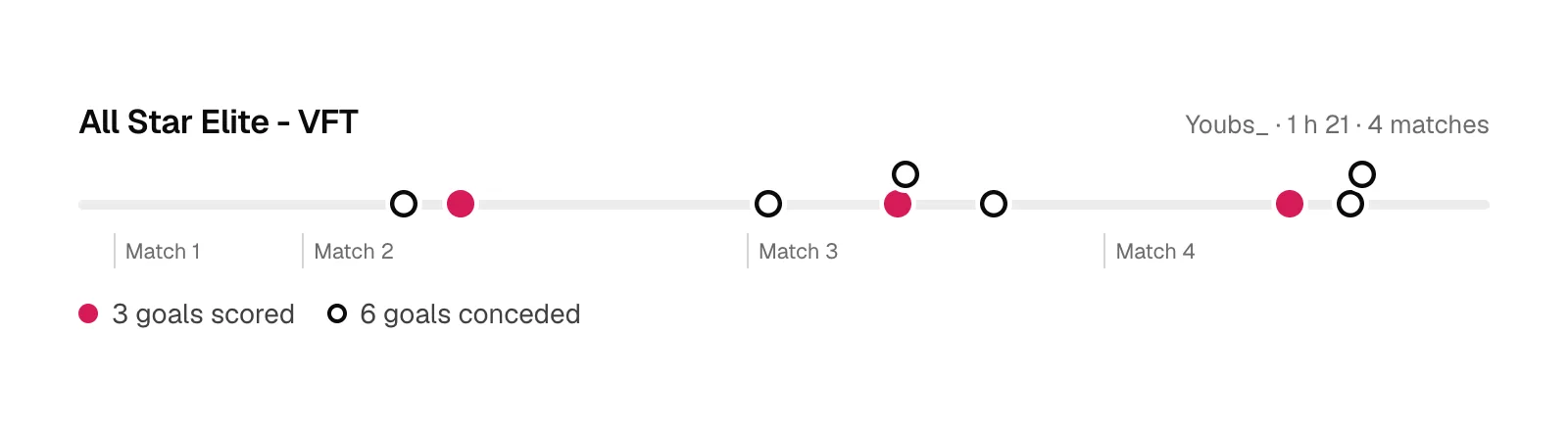
The PS5 and the Xbox can stream straight to Twitch. If you stream, the VOD already holds the whole night, your reactions included. Paste its link into Vodmora: every goal is found, grouped under its match, with the score before and after, and cut into a 16:9, 9:16 or 1:1 clip. Two hours of Pro Clubs are ready in a few minutes. The full path is on the Twitch VOD to clips page.
No stream? Record your match with Start New Recording or Start recording, copy the video to a computer, then upload it to Vodmora: MP4, MOV, MKV, WebM and M4V files are accepted. The comparison: Vodmora or Medal: clips from the VOD or the PC.
Which way to choose
- One goal to keep right now: console capture, in two button presses.
- The whole night, without stopping play: the VOD and Vodmora, which finds every goal afterwards.
- Goals conceded for the team: the VOD, to review every goal conceded in Pro Clubs.
- A vertical clip for TikTok: make the clips 9:16 in Vodmora’s Reels page, see Twitch clips to YouTube Shorts and TikTok.
The Free plan includes 3 analyses per month: create an account and paste the VOD of your last night.
Sources: PlayStation, capturing on PS5, PlayStation, captures in the app, Xbox, capture game clips.
Read next
- Pro Clubs in FC 27: The Grounds, Rush and what changes
In EA FC 27, Clubs moves into The Grounds: 11v11, Rush, 1v1 to 3v3 matches and tournaments. What changes for your club, and how to keep every goal.
- How to clip every FC 27 goal from a Twitch VOD (5 steps)
Paste your Twitch VOD link, pick goals scored or conceded, and every EA FC 27 goal comes back as a clip, match by match. Real run: 18 goals from a 2 h 28 VOD.
- EA FC 27 highlights: in-game replay or stream VOD?
Instant replay, in-game highlights, console capture or stream VOD: where to find your EA FC 27 goals after the match, and how to keep them as clips.
- FUT Champions: every goal of your weekend as clips
A FUT Champions weekend means fifteen matches or more. Vodmora finds every goal in the VOD, groups it by match and cuts it into a clip ready to post.