Blog · October 21, 2026
EA FC 27 highlights: in-game replay or stream VOD?
Instant replay, in-game highlights, console capture or stream VOD: where to find your EA FC 27 goals after the match, and how to keep them as clips.
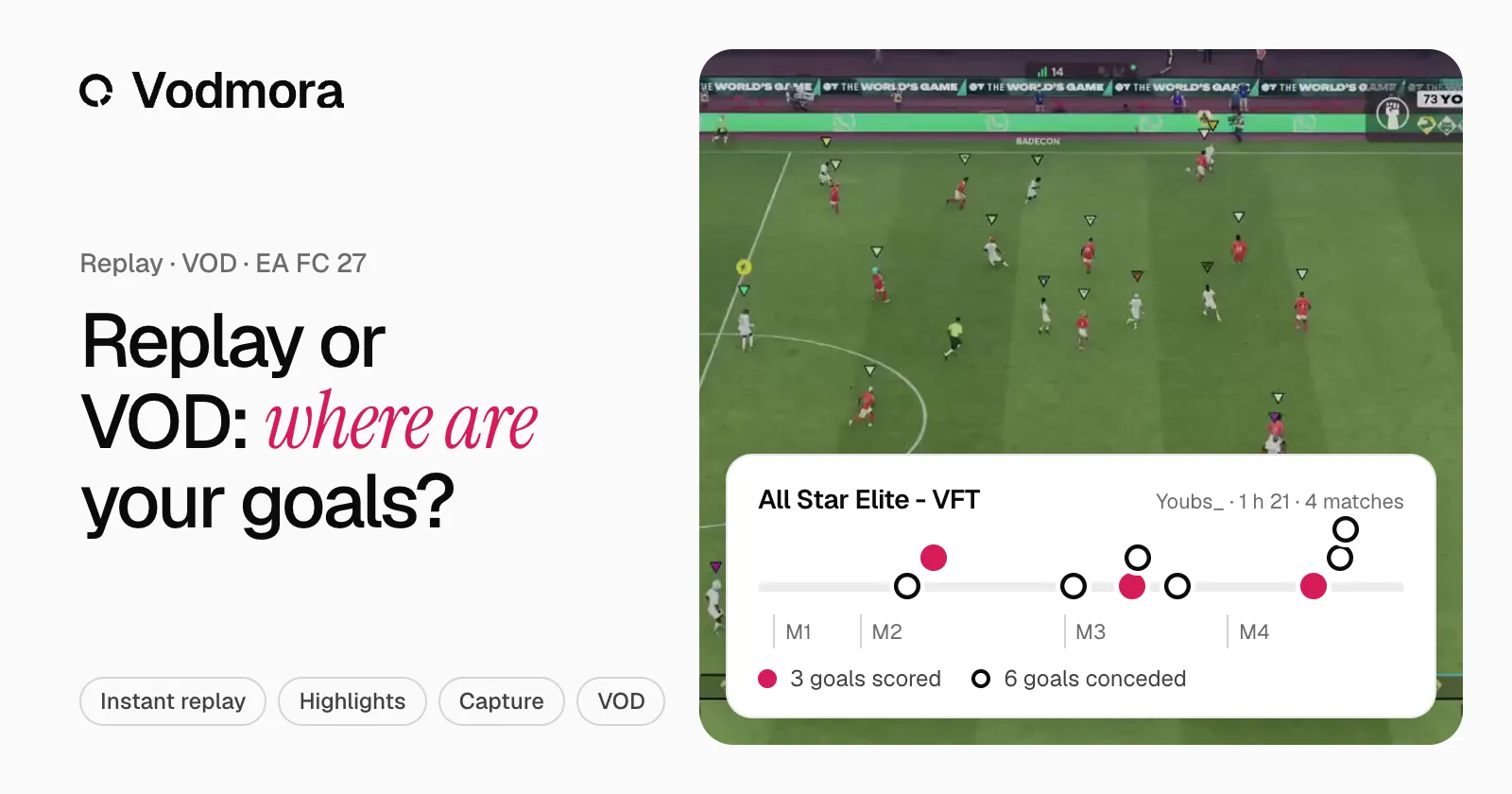
The match is over, and you want to see that goal again. Depending on where you look, it is still there, or already gone. Four places keep your EA FC 27 goals: the game’s instant replay, its highlights, the console capture and your stream’s VOD. Here is what each one keeps, and for how long.
Instant replay, during the match
Instant replay lets you watch the move again right after the goal, from several angles. It helps you understand what just happened, not keep the moment: once the match is over, you need another tool.
In-game highlights
With FC 25, EA introduced EA SPORTS Highlighter, an in-game highlights tool. Offline, match highlights can be saved at any time; online, only at full-time. Once saved to the console, the video is no longer available in the game. Handy for one goal, but you have to remember it every match.
Console capture
The PS5 keeps from 15 seconds up to the last hour of play, the Xbox the last 30 seconds, or up to the last 2 minutes. It is the right tool to keep one goal straight away. The buttons and lengths are in how to clip on PS5 and Xbox.
The stream VOD
If you stream, the VOD keeps the whole night: every match, every goal, your reactions and the chat’s. Nothing to do during the match. Twitch keeps a past broadcast for 7 days, 14 for Affiliates and 60 for Partners and Turbo or Prime users, if storing past broadcasts is on.
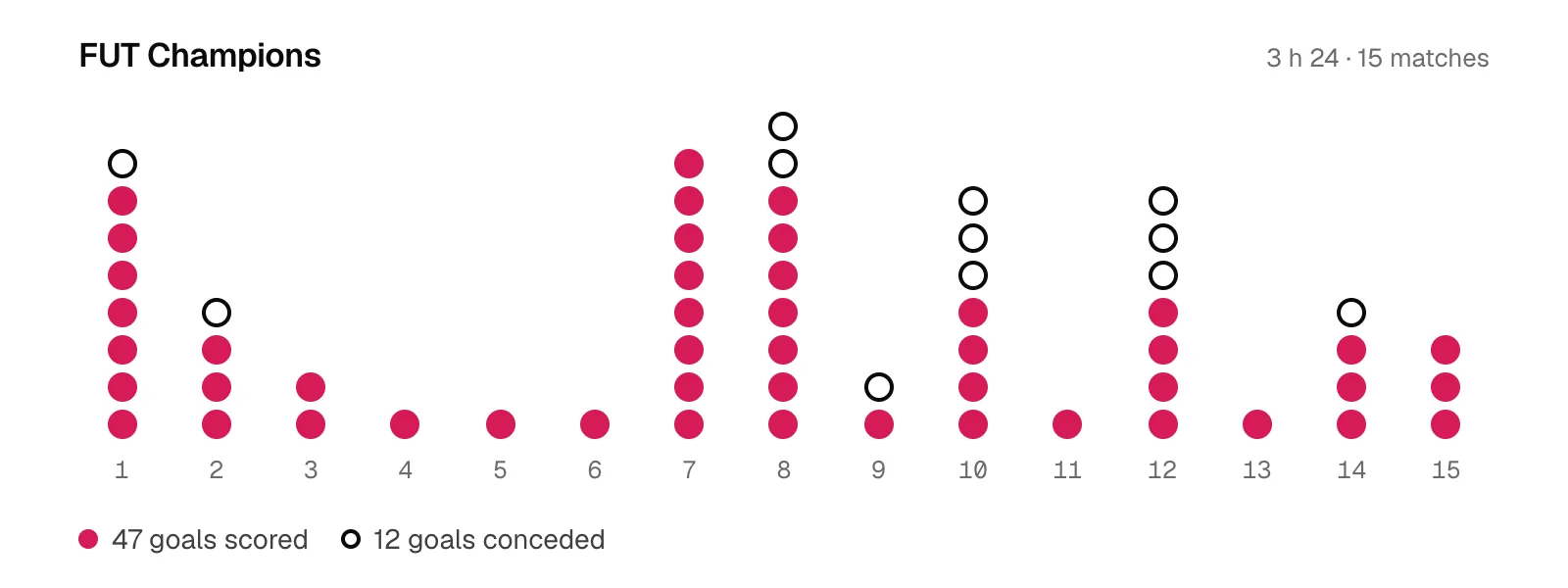
Vodmora starts from that VOD. Paste its link: every goal is found, grouped under its match, with the score before and after, then cut into a 16:9, 9:16 or 1:1 clip. On a 3 h 24 FUT Champions VOD, the 47 goals scored were ready in 1 minute 38 seconds.
What each place keeps
- Instant replay: during the match only, it stays in the game.
- In-game highlights: online, at full-time; the video goes to the console.
- Console capture: one moment at a time, from 30 seconds to an hour depending on the console.
- VOD and Vodmora: the whole night, every goal as a clip, grouped by match.
For clubs: goals conceded
A club that wants to improve mostly reviews the goals it let in. The VOD holds them all: Vodmora cuts them by default, match by match, ready for the video session. A 10-minute session plan is in review every goal conceded in Pro Clubs.
To try it on your last night, create an account: the Free plan includes 3 analyses per month. The full path is on the Twitch VOD to clips page.
Sources: EA, EA SPORTS Highlighter in FC 25 (6 August 2024), Twitch Help, video on demand.
Read next
- Pro Clubs in FC 27: The Grounds, Rush and what changes
In EA FC 27, Clubs moves into The Grounds: 11v11, Rush, 1v1 to 3v3 matches and tournaments. What changes for your club, and how to keep every goal.
- How to clip every FC 27 goal from a Twitch VOD (5 steps)
Paste your Twitch VOD link, pick goals scored or conceded, and every EA FC 27 goal comes back as a clip, match by match. Real run: 18 goals from a 2 h 28 VOD.
- How to clip on PS5 and Xbox: your EA FC 27 goals
Clip your EA FC 27 goals on PS5 or Xbox Series: the buttons, the lengths, getting clips to your phone. And for a whole night, start from the VOD.
- FUT Champions: every goal of your weekend as clips
A FUT Champions weekend means fifteen matches or more. Vodmora finds every goal in the VOD, groups it by match and cuts it into a clip ready to post.